[Product Thought] A Tool Website for Multi-Image Comparison
At first, I only did local image comparisons from time to time. It wasn’t convenient, but for occasional use it was manageable. You know the Windows shortcut — hold the Win key and press the left or right arrow. Move one image to the left, another to the right. Do it again and again.
Then recently I got a new task: every day, I need to compare more than 100 images. One fixed reference image, plus two or three other images placed on the same screen, comparing details side by side.
So I looked for tools online. What I found were only very basic two-image comparison websites, which didn’t really fit my needs.
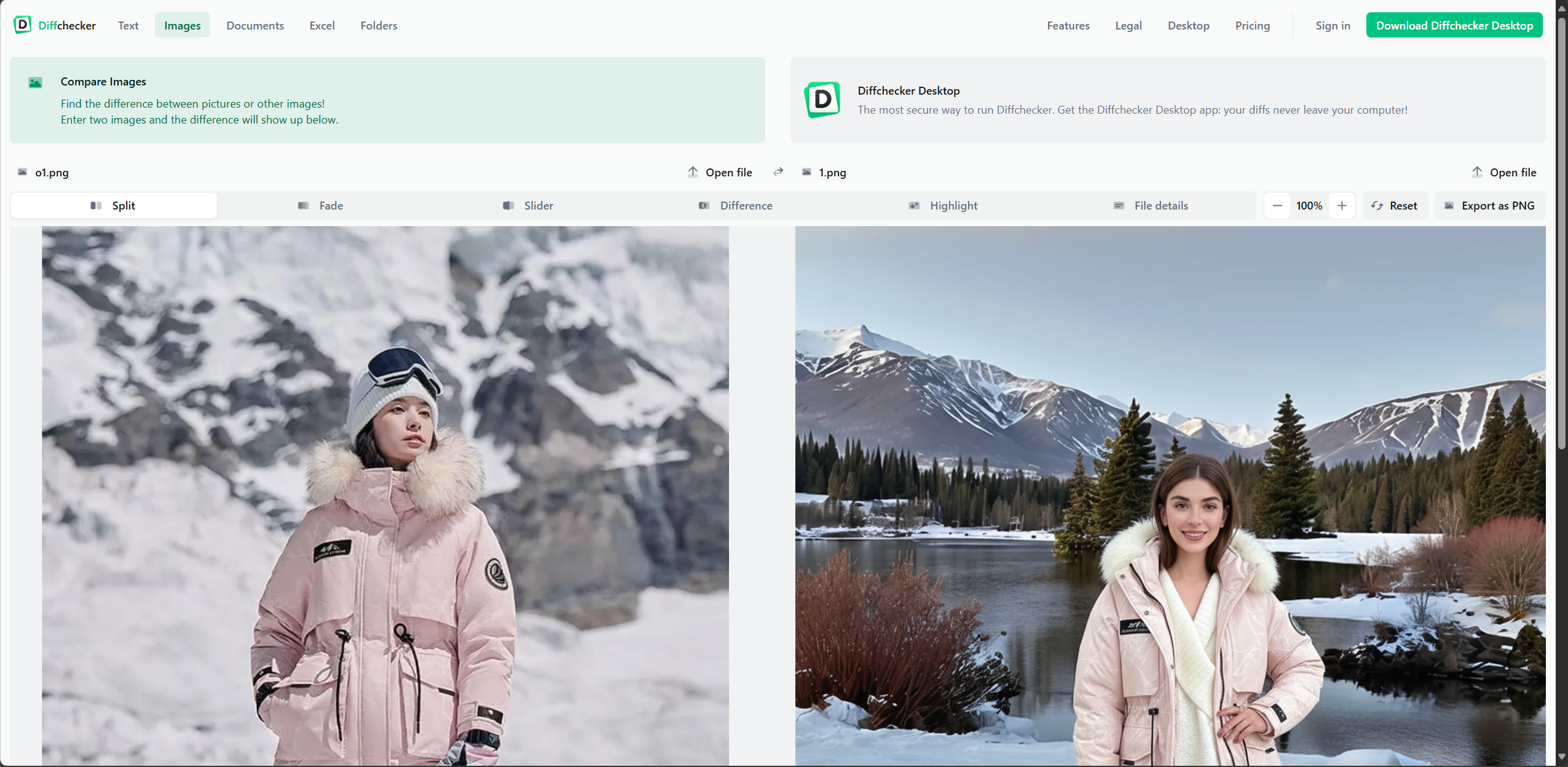
So we decided to build a simple web page ourselves to get the job done.
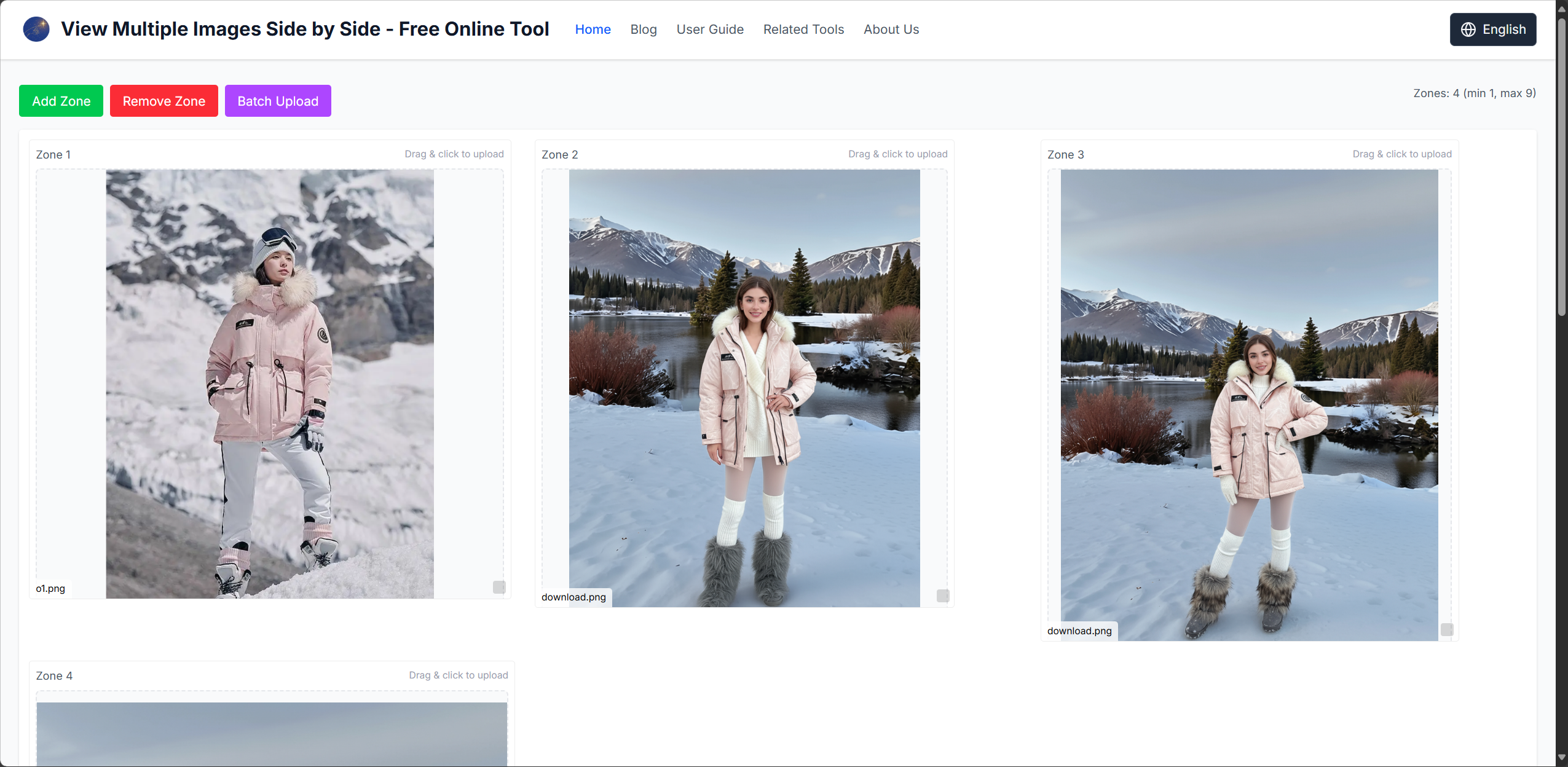
Other people on the team happened to need it as well, so naturally we turned it into an online tool.
After several iterations, it’s become quite smooth to use.
You can quickly swap the images being compared, zoom in and out, and focus on details.
That’s when it clicked: this kind of tool could be useful in many scenarios — photography comparisons, student assignment reviews, and more.
This is our first step.
Putting genuinely useful tools on the internet, and hopefully making someone else’s work a little easier.
Maybe one day, when AI is smart enough, it can instantly build any tool on demand. But until then, give us some space to create things that actually help — and offer something of real value.